· updated Jan 27, 2025 · 3 min read
工具:优雅地下载 YouTube 视频
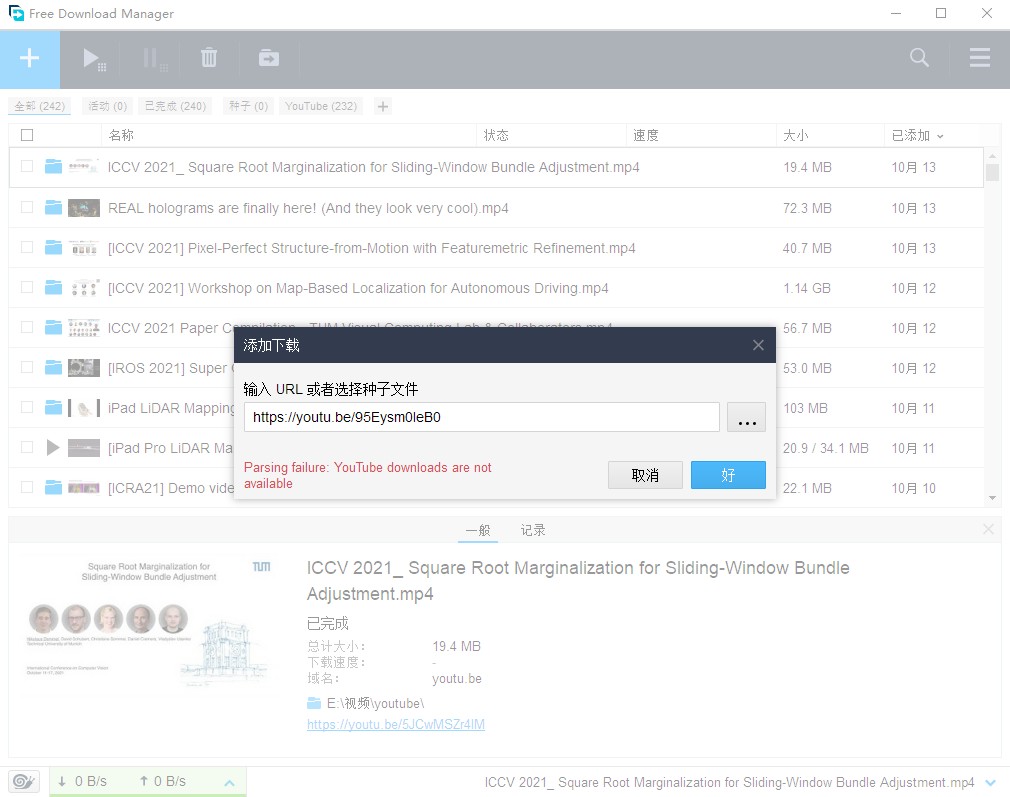
“Parsing failure: YouTube downloads are not available”
用了两年的Free Download Manager前阵子突然不支持下载 YouTube 视频,本以为只有我存在这个问题,逛了下论坛的这个问题,发现大家都遇到这个问题。
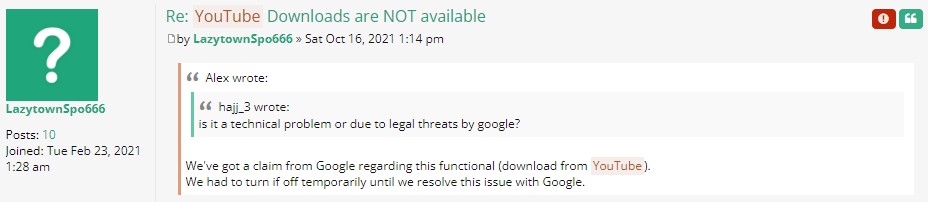
开发者给出的解释如下:
We’ve got a claim from Google regarding this functional (download from YouTube). We had to turn if off temporarily until we resolve this issue with Google.
好吧,那就静候佳音,另寻他法吧。
YT-DLP
GitHub 上一个比较有名的 repo youtube-dl 可以一试,不过最近又寻得一个基于youtube-dl 开发的 YT-DLP
下载安装
| File | Description |
|---|---|
| yt-dlp | Platform-independent binary. Needs Python (recommended for UNIX-like systems) |
| yt-dlp.exe | Windows (Win7 SP1+) standalone x64 binary (recommended for Windows) |
目前支持的网站包括Supported sites
推荐 pip 安装:
pip install --no-deps -U yt-dlp基本用法
如下载这个视频https://youtu.be/95Eysm0IeB0,可使用如下命令:
yt-dlp --proxy 127.0.0.1:1080 -f best https://youtu.be/95Eysm0IeB0其中--proxy表示添加代理,-f表示下载格式,best表示视频+音频效果最优。

另外可以通过--list-formats查看支持的下载格式,如上述视频可下载的格式有:
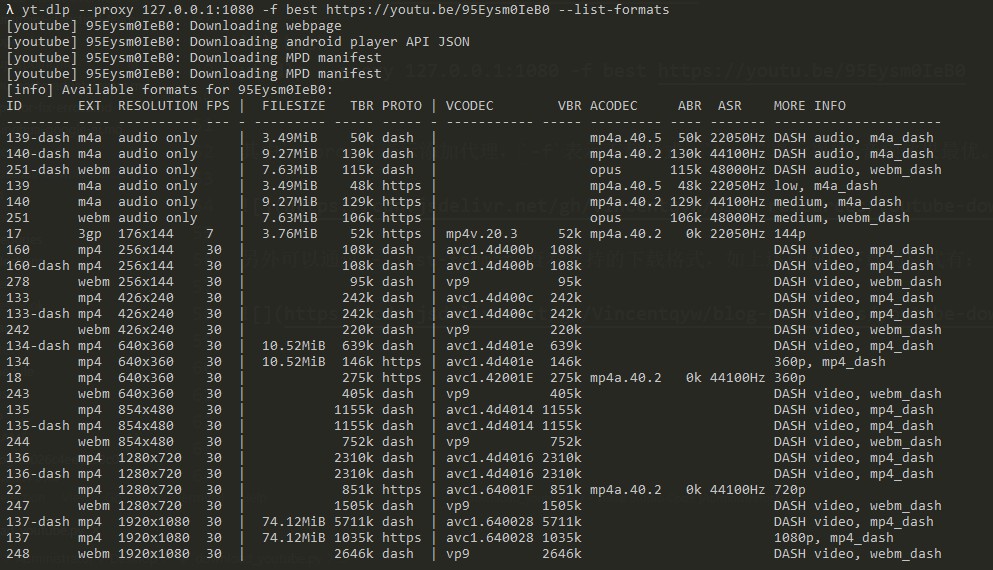
可以看到,best对应于上图中的ID = 22,若想下载其它格式的视频可以用-f ID。
此外,使用 Python 脚本代替命令行进行下载也是比较简单,脚本如下:
import yt_dlp

ydl_opts = {
    'proxy': '127.0.0.1:1080',
    'format': 'best',
    'restrict-filenames': True,
}

with yt_dlp.YoutubeDL(ydl_opts) as ydl:
    ydl.download(['https://youtu.be/95Eysm0IeB0'])
结语
TODO:高级用法以及GUI 界面的使用。